Documentation › Administration › Backup & restore
Backup & restore
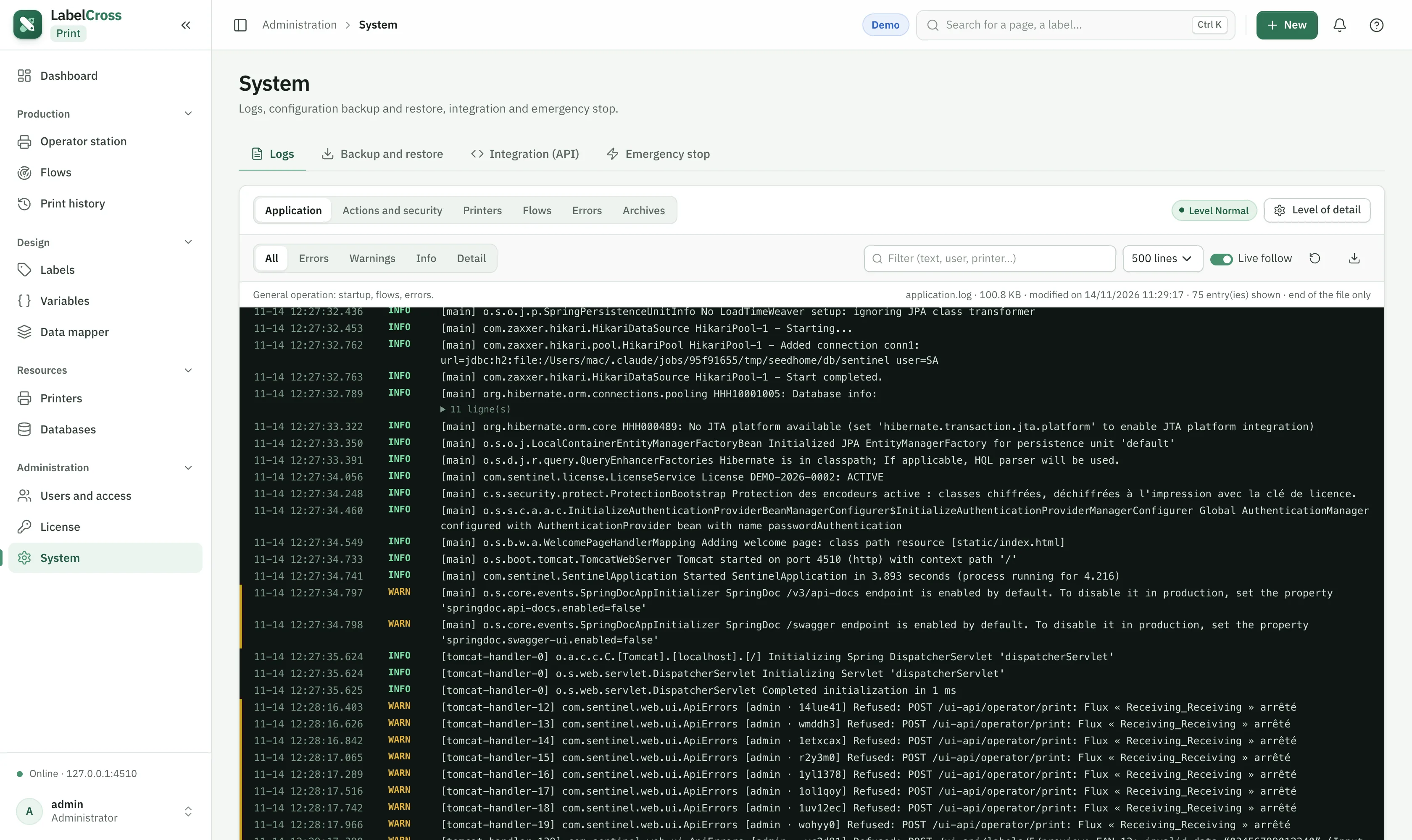
- Go to Administration › System.
- Encrypted backup: export the full configuration (printers, labels, flows, maps, users, profiles…) as a password-protected file.
- Restore: import a backup — it replaces the current configuration.
Use backups to migrate to another machine or to keep a recovery point before a major change. Diagnostics tools help collect logs for support.