
Documentation › Flows › Data mapping
Data mapping
Map incoming data to your label variables — no scripting.
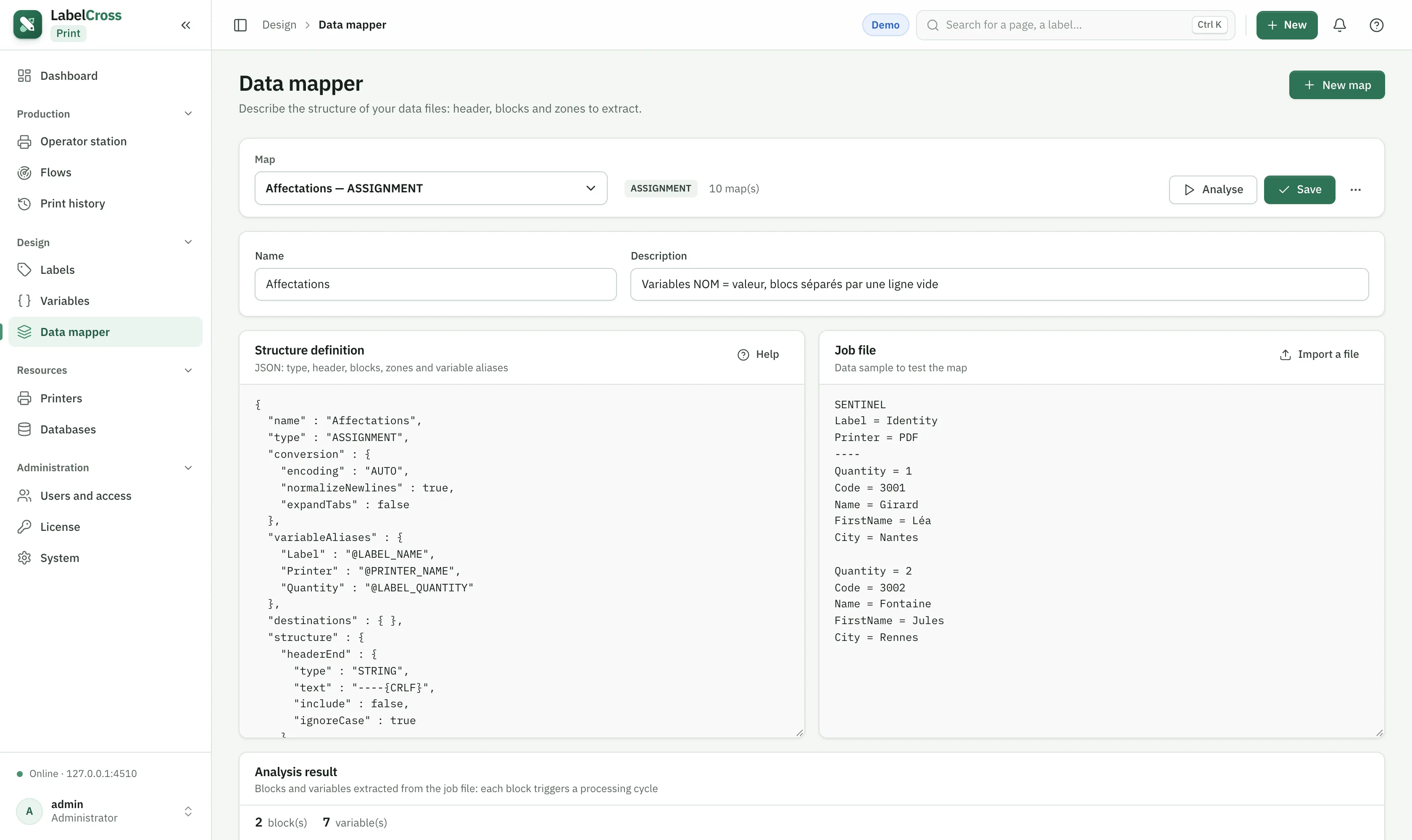
- Go to Design › Data mapper and create a map.
- Choose the source format: CSV, fixed-width, JSON or a table (database).
- Map each source field to a variable name used by the label (e.g.
REF,LOT,RECIPIENT). - Use Test analysis with a data sample to check the result.
- In the flow’s General tab, select this map as the map file.
💡
Mapped fields become variables; special
@ fields can also choose the label (@LABEL_NAME), the printer (@PRINTER_NAME) and the quantity for that message.