Documentation › Operations › Operator station
Operator station
Guided manual printing for the shop floor.
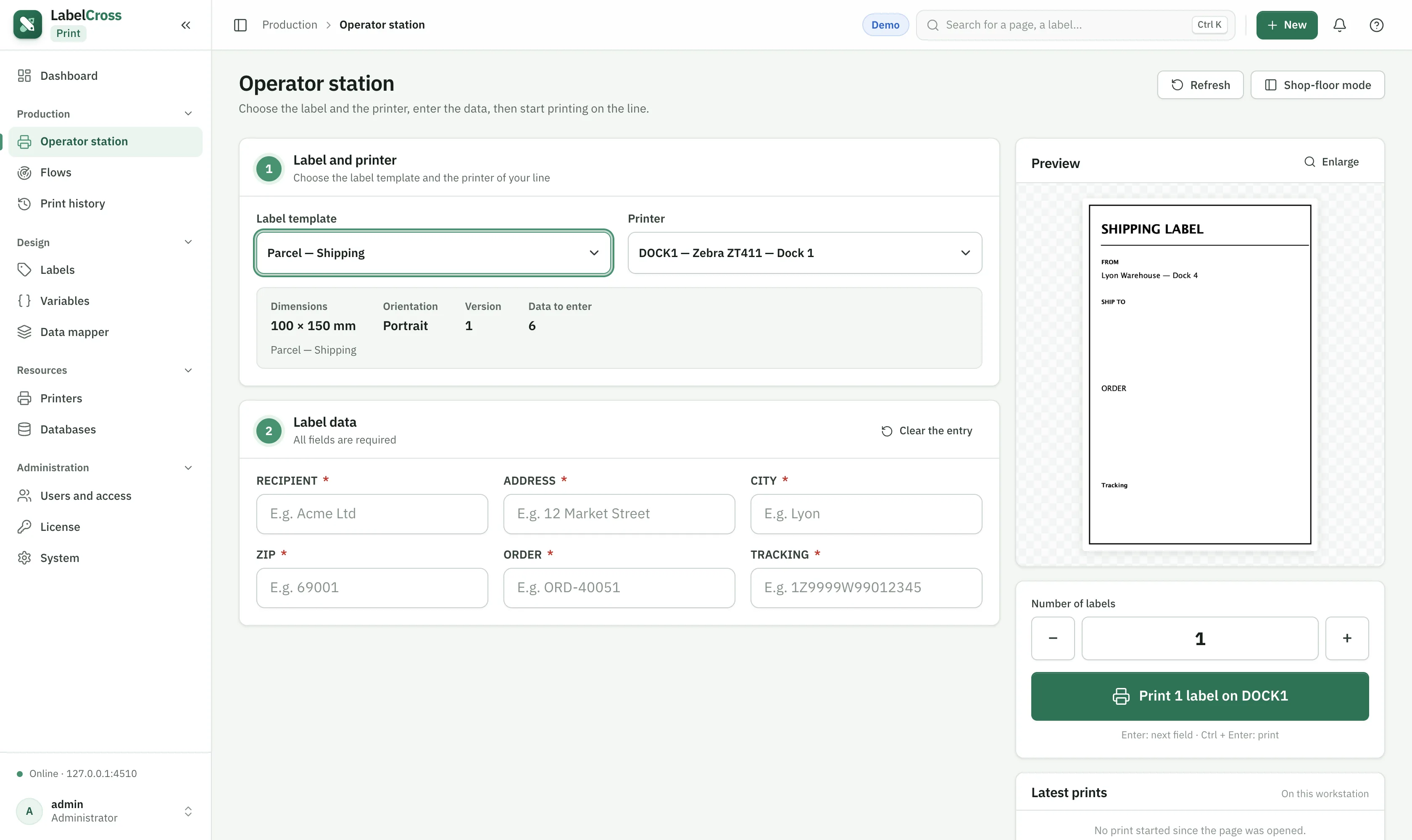
- Go to Production › Operator station.
- Pick a label (only enabled labels bound to a started flow appear).
- Fill the requested fields; the preview updates live.
- Choose the printer and quantity, then Print.
Use Shop-floor mode for a simplified full-screen view at a workstation. “Latest prints” shows what was printed on this station.